Piping isometric documents
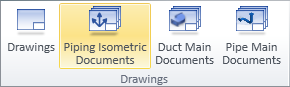
On the Documents tab, in the Drawings group, click Piping isometric documents to manage piping isometric documents.
Note: The button is shown if Isometric tool in use is set to New integrated tool in the Isometric Drawing options.
-
For general information on the Manage Piping Isometric Drawings object browser dialog, see Document browser.
-
For general information on the tools that you can use to edit a drawing, see Document editor and Isometric view editor.
For more information on how to manage piping isometric documents, see Piping isometric tab.